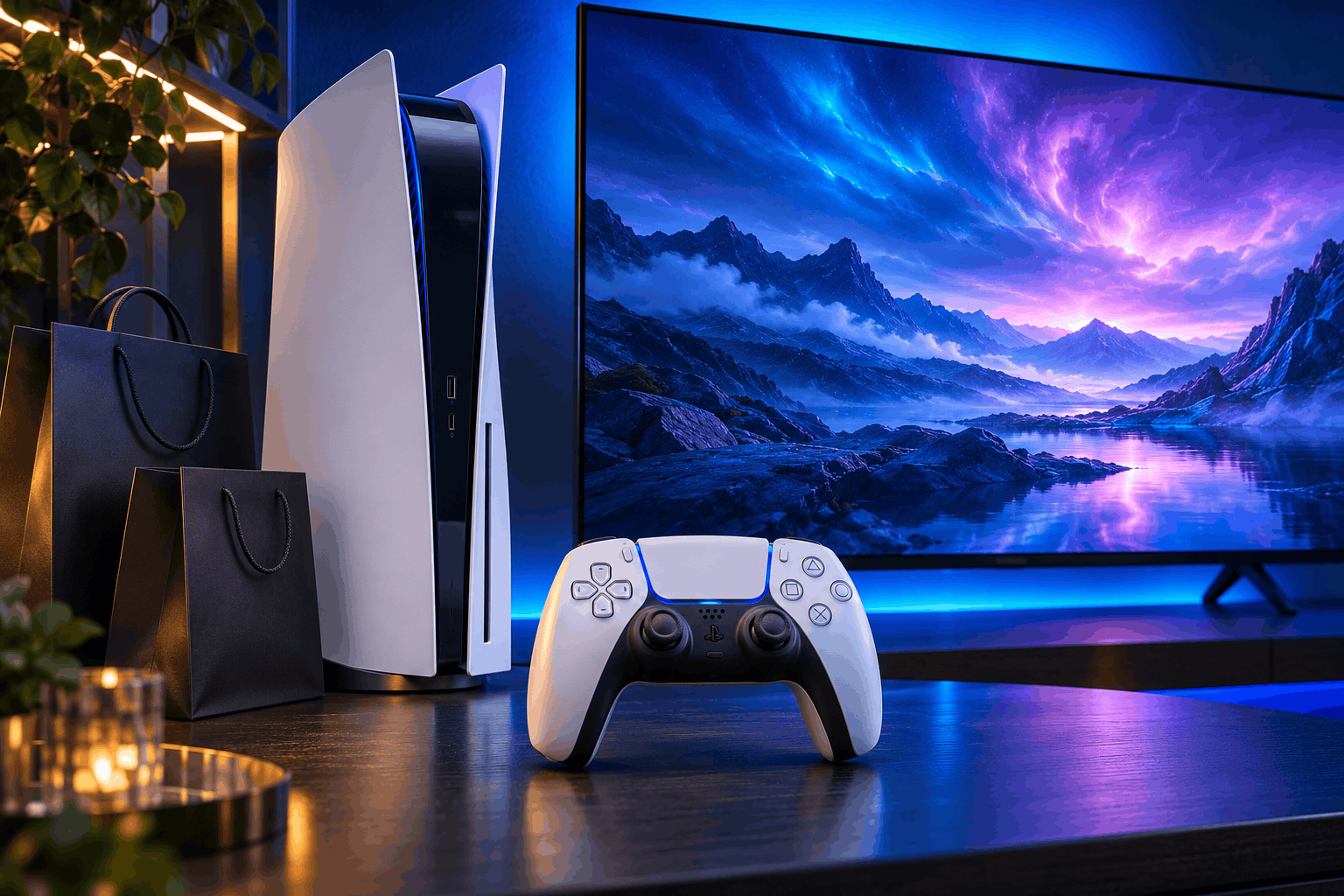
PlayStation Black Friday Deals 2026: Save Up to 75% for PS5

PlayStation Black Friday Deals 2026: Save Up to 75% for PS5
Get ready for big savings because Black Friday Deals have arrived early on PlayStation Store. The digital promotion begins on November 4, 2026, and runs through November 30. Discounts reach up to 75% across thousands of PS5, PS4 and PS VR2 games, expansions and downloadable content. Offers and savings vary by region.
First, this is a chance to revisit your wishlist and explore titles you missed earlier this year. However, individual offers have their own deadlines, so the overall closing date does not apply to every discount. Checking each listing carefully will help you plan your purchases.
The event gives players plenty to browse, from full games to extra content for existing favourites. Start with the titles you actually want, then compare editions before adding anything to your basket.
Black Friday Deals: Dates and Sale Refresh
The promotion refreshes on November 16, while certain discounts finish on November 20. Other offers may be replaced before the event closes. Therefore, check the deadline on each product page rather than assuming everything remains discounted throughout November.
You can follow the official sale announcement for the schedule. Then visit PlayStation Store to see available offers and local prices.
Next, make a short list of games you want most. Record each current price and its offer deadline. This simple approach makes changing promotions easier to follow without repeatedly browsing the entire catalogue.
If a game is missing from the opening selection, check again after the refresh. However, there is no guarantee that a particular title will join later. Base your spending decisions on visible offers rather than expected discounts.
Finally, leave enough time to review your basket. A deadline should help you organise purchases, while your budget should determine what you buy.
Black Friday Deals: Featured Games to Explore
The preview lineup includes Marvel’s Wolverine Digital Deluxe Edition, ASTRO BOT, SAROS Digital Deluxe Edition and 007 First Light Deluxe Edition. Check your regional listing for the exact edition, discount and availability.
These names offer a useful starting point, but the advertised maximum saving should not become your expectation for every game. Compare the actual checkout price with the amount you planned to spend.
First, think about which experience you want next. A game that matches your interests can offer better value than a cheaper title you may never start. Watch gameplay and read the product description before deciding.
Next, compare standard and deluxe editions where both appear. List the extras you would use, then judge whether they justify the price difference. Cosmetic items and bonus content hold different value for different players.
You can also browse [our PlayStation coverage](/?s=PlayStation) for related reading. Use those updates alongside store listings when building your shortlist.
Black Friday Deals: Expansions and Edition Checks
Extra content deserves just as much attention as a full game. An expansion can be an appealing purchase when you already enjoy the base experience. However, first check what the product requires and what your existing edition includes.
Read the listing for platform compatibility, required software and any other conditions. If you own a physical copy, check the relevant compatibility information before purchasing digital extras. Ask support if the listing leaves an important question unanswered.
Next, look through your game library. You may already own an expansion through a bundle or an earlier purchase. Checking first helps you avoid paying for overlapping content.
Likewise, read bundle descriptions from start to finish. Similar names can make different packages look interchangeable, especially when artwork and promotional banners dominate the page.
Finally, check whether an item adds playable content or mainly cosmetic extras. Both can appeal to fans, but understanding the difference helps you spend according to your preferences. Buy the package that suits how you play.
Black Friday Deals: Plan Your Gaming Budget
A large sale can make small purchases add up quickly. Therefore, set your total spending limit before browsing. Divide your wishlist into immediate favourites and games you would consider only at a lower price.
First, compare the final cost rather than focusing only on the percentage reduction. A bigger discount does not automatically mean a better purchase. What matters is whether the price fits your budget and the game interests you.
Next, consider your available playing time. Buying several lengthy adventures together may leave most untouched for months. Choosing fewer games can make the event easier to enjoy without creating a larger backlog.
Check your available console storage before planning downloads. You may need to manage installed games, and download sizes can affect when you start playing. Review those details on the relevant listings.
Finally, confirm the edition and total price before checkout. A brief review can catch duplicate items or an unintended upgrade. Keep your purchase confirmation somewhere easy to find.
Black Friday Deals: What Players Should Watch Next
The announcement reviewed here covers digital software and add-ons. It does not confirm console, accessory or subscription discounts. Treat those categories separately and check any later announcements for their own terms.
Meanwhile, keep your wishlist focused as the promotion changes. Revisit saved listings, compare the available editions and check individual deadlines. This approach makes a busy catalogue easier to navigate.
For more related reading, explore . When you are ready to purchase, return to the official store and confirm the offer shown for your account region.
There is plenty to explore during this early holiday event. With a clear budget and a short wishlist, you can spend more time choosing games you will enjoy. Check the details, choose carefully and get ready for your next gaming adventure.