Pokémon GO Update: Explorer Gadget and Gameplay Changes Tips

Pokémon GO Update: Gadget Upgrades and Gameplay Changes
The latest Pokémon GO Update changes how Trainers explore, catch creatures, and manage their daily adventures. The Explorer Gadget can now work during active play, while special wild encounters triggered by Power Spots have been removed. Several interface improvements also make routine tasks easier. Together, these adjustments bring noticeable changes to familiar walks and catching sessions.
First, the upgraded helper gives eligible players more flexibility when switching between automatic actions and direct control. Next, clearer menus help Trainers review catches and check Pokémon statistics. However, players should understand the tool’s limits before leaving important encounters to automation.
Pokémon GO Update Expands the Explorer Gadget
The Explorer Gadget previously focused on helping while the game was not actively open. Now, it can also attempt catches and spin PokéStops while Trainers play. This means players can keep exploring the map while the helper handles some nearby activity.
Trainers must reach level 20 to use the feature. Eligible players can activate it through the icon near the map’s upper-right corner. Another route is through the Key Items section of the Item Bag.
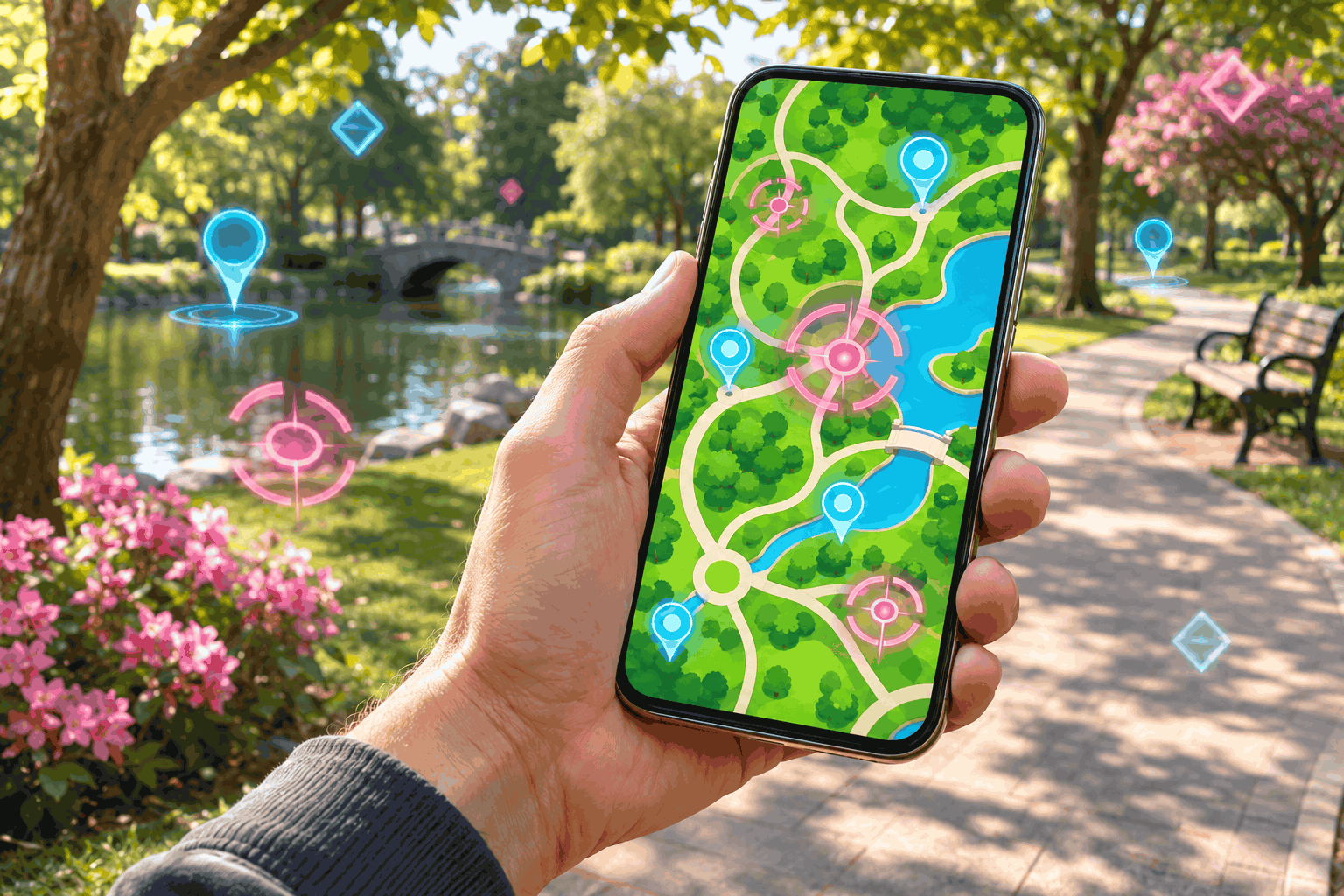
Once activated, a pink Poké Ball icon identifies the Pokémon or PokéStop the helper is targeting. Players can tap that target to take control themselves. However, the opportunity to override an automatic action lasts only a limited time.
That timing matters when a particular encounter catches your attention. If you want to handle a target personally, respond promptly when its indicator appears. Treat the helper as support for your session, while keeping an eye on encounters you value.
The tool also has exclusions, including Pokémon missing from your Pokédex and mighty Pokémon. Additionally, it cannot operate alongside an active paired accessory, such as Pokémon GO Plus +. Players can keep their accessory paired, but must choose which option is active. genui{“citation”:{“ref”:”turn1view0″}}
For casual walks, the practical appeal is flexibility. You can stay involved in the game without manually handling every available action. Meanwhile, focused collectors can still choose a more hands-on approach when they prefer.
Pokémon GO Update Changes Power Spot Encounters
Another adjustment removes the special wild encounters previously triggered by visiting a Power Spot. Placing a Pokémon there after winning a Max Battle will no longer trigger those extra encounters either. The stated aim is more consistent wild encounters for players. genui{“citation”:{“ref”:”turn1view0″}}
This change concerns a specific source of additional spawns. Players should avoid reading it as an announcement that Power Spots or Max Battles have disappeared. Instead, it changes expectations about what happens around those locations after the listed actions.
Previously, a stop at a Power Spot could form part of a wider catching routine. With the bonus encounter trigger removed, Trainers may want to reconsider how they divide their walking time. A route planned mainly around those extra spawns may now feel less rewarding.
For example, someone taking a short lunchtime walk might review nearby catching opportunities before choosing a destination. Meanwhile, a player interested in Max Battles can judge a Power Spot visit around that activity itself.
The broader lesson is to plan around what you want from each session. Collecting Pokémon, joining battles, and gathering items can involve different priorities. Following familiar habits is convenient, but checking changed mechanics helps keep those habits useful.
Players can read the official gameplay announcement for the precise wording. This is especially helpful when deciding whether an older guide still describes current behaviour.
Pokémon GO Update Makes Daily Management Clearer
Several smaller improvements accompany the headline changes. Catch summaries now present rewards and bonuses more clearly. A dedicated appraisal button also offers faster access to a Pokémon’s statistics from its summary page. genui{“citation”:{“ref”:”turn1view0″}}
These adjustments target actions that Trainers repeat throughout ordinary play. After a catching session, reviewing your collection can involve opening many individual entries. Easier access to appraisal information should make that process feel less awkward.
Still, a clearer interface does not decide which Pokémon you should keep. Players should review their own goals before making collection choices. A favourite creature, an interesting form, and a battle candidate may each matter for different reasons.
The visual changes also reach the map. Spun PokéStops have adjusted colour saturation, while encounter rings and effects have been refreshed in several situations. The announcement includes Pokémon associated with Lure Modules, Routes, Mystery Boxes, and Coin Bags. genui{“citation”:{“ref”:”turn1view0″}}
Together, these changes aim to make information easier to read during play. They should be understood as presentation updates rather than promises of better catches or higher rewards.
For readers following other releases, explore our [latest gaming coverage](/?s=gaming). Comparing updates across games can reveal how small interface changes shape everyday play just as much as larger additions.
Pokémon GO Update: Prepare for Your Next Walk
Before heading outside, check your available storage and supplies. The help centre explains that full Pokémon Storage or Item Bags can trigger alerts. It also describes daily activity limits, so the helper should not be treated as unlimited automation. genui{“citation”:{“ref”:”turn1view1″}}
Next, decide how actively you want to manage the session. If you enjoy choosing every encounter yourself, manual play remains the natural approach. If you prefer occasional assistance, try the helper during a familiar walk and review its results.
You can inspect its activity summary to see catches and PokéStops spun. Use that feedback to understand how it fits your routine, rather than assuming every nearby target will produce a successful result.
Finally, consult the feature requirements and support guidance if you encounter restrictions. Read that guidance alongside the newer announcement, which explains active-play support.
The overall experience now offers more flexible assistance and clearer everyday information. Learning the revised controls should help Trainers make better use of their next adventure.