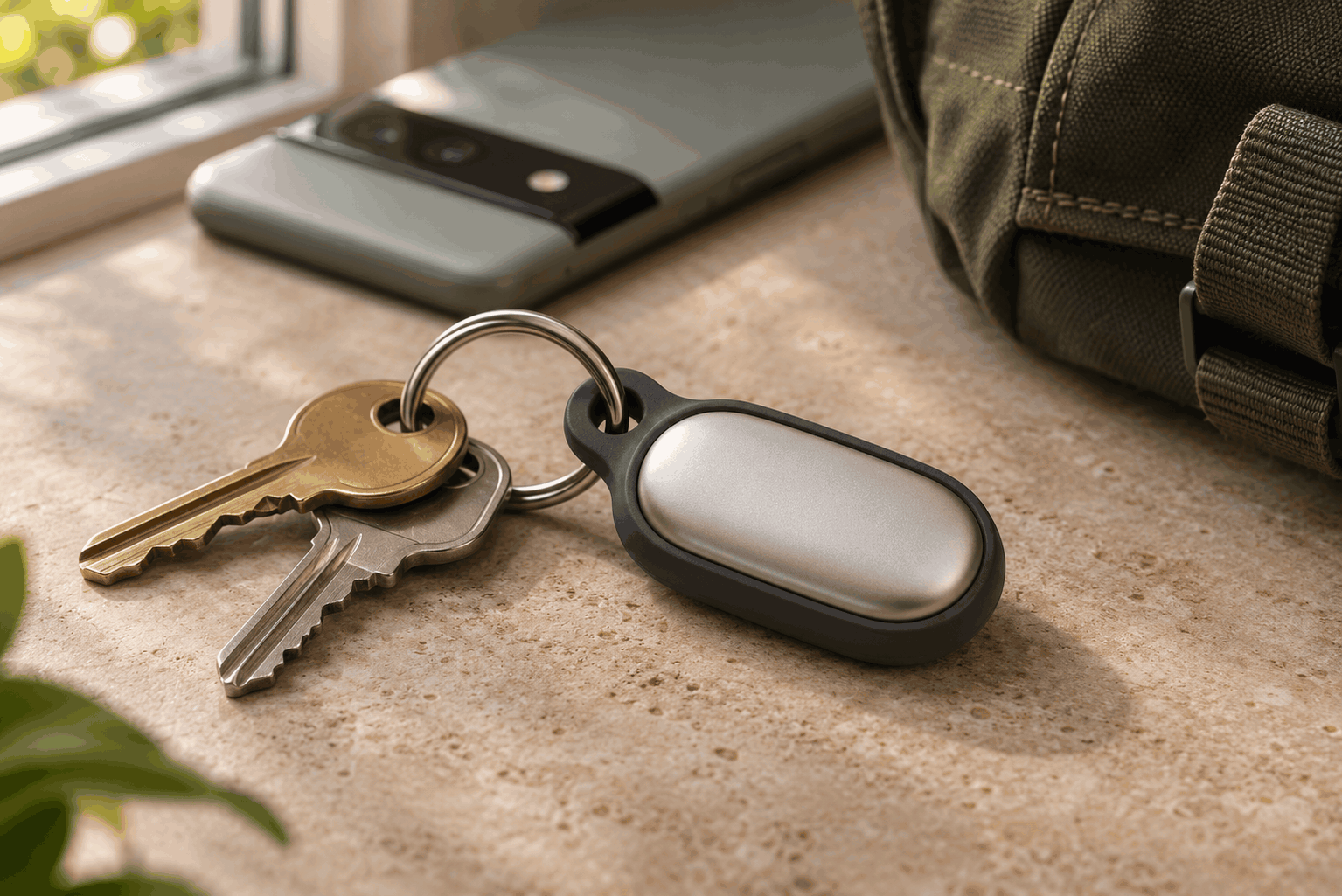
Google Pixel Tag Review for Android: Is It Worth Buying?

Google Pixel Tag Review: A Handy Tracker for Android
Have you ever lost your keys just as you needed to leave the house? The Google Pixel Tag gives you a simple way to find everyday items using your Android phone. It costs about $30 in the US and works with Google’s Find Hub app. You can ring the tracker, see where it last turned up, or use its button to find your phone.
Google Pixel Tag Design and Setup
First, let’s look at the design. The slim tracker has a stainless steel build and an IP67 rating for dust and water resistance. That makes it suitable for a bag you carry in the rain or a set of keys you take outdoors. Its small shape also makes it easy to slip into a backpack pocket.
There is one detail to check before clipping it onto your keys. The tracker has no built-in keyring hole, so you’ll need a holder or another compatible accessory. If you plan to keep it inside a zipped pocket, you can skip the holder. Check where you’ll put it before deciding whether you need anything extra. Read more about the tracker’s design and accessories.
Next, pull the battery tab near a compatible Android phone and follow the Fast Pair prompt. Once the tracker appears in Find Hub, give it a name that matches the item, such as “House keys” or “Work bag.” That small step makes it easier to pick the right tracker later, especially if you buy a four-pack. Basic tracking requires Android 9 or later.
Google Pixel Tag Tracking With Find Hub
If your keys are nearby, open Find Hub and play a sound on the tracker. That’s the quickest option when your keys have slipped behind a cushion or fallen into the bottom of a bag. You can also use the button on the tag to ring your paired phone. That comes in handy when you’ve found your keys but can’t remember where you put your phone.
If your phone supports ultra-wideband, or UWB, Find Hub can show both the direction and distance to the tracker once you’re close. Think of it as an on-screen guide for the last few steps. Compatible phones with Bluetooth Channel Sounding can show distance, while UWB adds directional guidance. The sound and map features still give you ways to search if your phone lacks either of those features.
You can also turn on Left Behind alerts. Imagine grabbing your coffee, walking out and leaving your backpack under the table. An alert gives you a chance to go back while you’re still nearby. It’s an optional feature, so you can decide whether you want those reminders for the items you carry every day. Read the official feature overview.
Google Pixel Tag Range, Privacy and Battery Life
What happens if you leave your bag across town? Find Hub can use nearby Android devices to detect the tracker and relay its location. Google says its network includes more than one billion Android devices and uses end-to-end encryption for location information. When another device detects the tag, you can use the reported location as a starting point for your search.
The timing of those updates depends on where you lost the item. In a busy station, more people are likely to pass close to the tracker. On a quiet trail, it may take longer for a participating phone to come within range. Find Hub also supports alerts for unknown trackers detected moving with you and can help you ring one to find it.
Meanwhile, the tracker runs on a replaceable CR2032 coin battery. Google estimates about a year of battery life, so it can spend months in a bag without needing attention. When the battery runs low, you can swap it for a fresh one. It’s worth keeping a spare if the tracker lives in luggage you use often.
If you share a suitcase or spare keys, think about who usually carries them before you set up the tracker. A clear item name helps if you already have several devices listed in Find Hub. After setup, try ringing the tag once with the bag closed, so you know what it sounds like before you need to find it in a hurry.
Google Pixel Tag Price and Buying Verdict
Google announced US launch prices of $29 for one tracker and $99 for a four-pack. That puts each tracker in the bundle at $24.75. Start with one if your keys are the only thing you regularly misplace. The bundle makes more sense if you want to cover several items, such as your keys, a work bag and two suitcases. Remember to factor in any holders you’ll need.
The value also depends on your phone and where you tend to lose things. If your keys usually disappear around the house, the built-in speaker may be the feature you use most. If you often misplace things in busy public places, the Find Hub network becomes more important. Precision finding is worth checking before you buy if you specifically want on-screen directions.
Overall, it’s a practical buy if you use Android and want a simple way to find a few everyday items. The phone-ring button is useful when you’re heading out the door, while the replaceable battery lets you keep using the same tracker. If you want to start small, try it with the item you lose most often. [Browse more Android phone and accessory guides](/YOUR-ANDROID-GUIDE-SLUG/).