
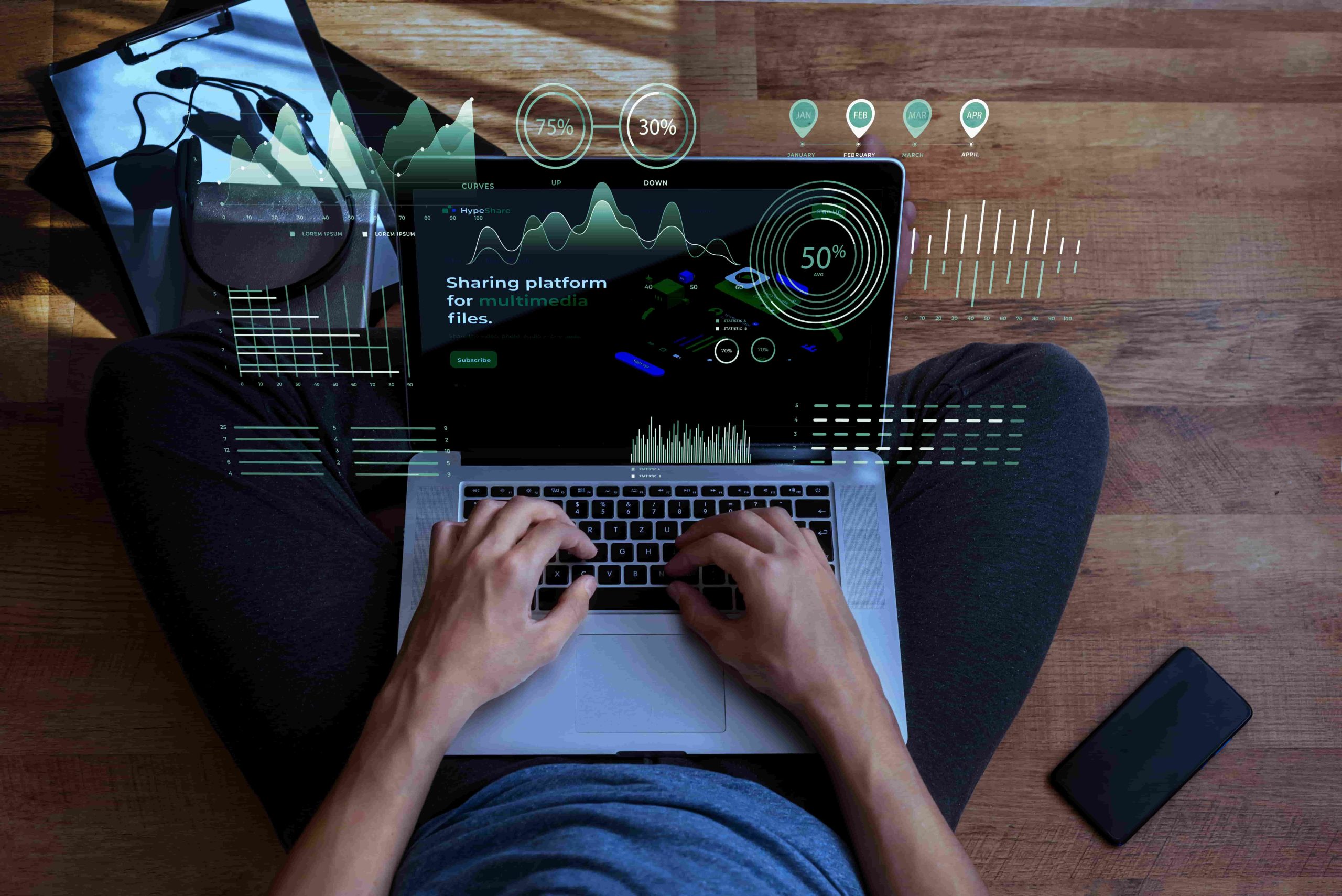
Dark Mode Dashboards: Do They Improve Readability?

Dark Mode Dashboards have become a familiar sight across analytics platforms, IT monitoring tools, and custom enterprise applications. With a single toggle, interfaces shift from bright white backgrounds to darker tones of gray or black. Many professionals use this setting daily but the real question remains: does it actually improve data readability?
If you work long hours with charts, tables, and metrics, you’ve probably experimented with dark mode at night or in low-light environments. Some users swear by it, while others quickly switch back. To understand why opinions differ, let’s explore the research, benefits, challenges, and design best practices behind Dark Dashboards.
What Are Dark Mode Dashboards?
At their core, Dark Mode Dashboards invert the traditional color scheme. Instead of dark text on a light background, they feature light text and visual elements on dark surfaces. Designers typically avoid pure black, opting instead for deep charcoal or slate tones to reduce harsh contrast.
These dashboards are widely available in tools like Tableau, Power BI, and custom-built IT monitoring systems. Beyond aesthetics, the design is grounded in visual ergonomics—how the human eye processes brightness, contrast, and color on screens.
Charts, graphs, and alerts also adapt in dark mode. Accent colors are adjusted to stand out against darker backgrounds, helping important metrics remain visible. For IT teams, understanding these fundamentals is critical to building dashboards that look good and perform well in real-world conditions.
Benefits of Dark Mode Dashboards for Readability
One of the most cited advantages of Dark Dashboards is reduced eye strain, especially in dimly lit environments. Bright screens can cause discomfort during extended sessions, while darker interfaces produce less glare and allow users to stay focused longer.
Battery efficiency is another practical benefit. On OLED and AMOLED screens, dark pixels consume less power, which can extend battery life on laptops, tablets, and mobile devices. This is particularly helpful for professionals accessing dashboards on the go.
Some users also report improved text clarity. Research suggests that individuals with light sensitivity or certain eye conditions may find dark interfaces more comfortable. In dense dashboards, dark backgrounds can help key metrics visually “pop,” making patterns easier to spot.
Key advantages include:
-
Reduced glare in low-light environments
-
Potential battery savings on compatible screens
-
Enhanced focus during extended monitoring sessions
For more UX insights, you can review usability studies from the Nielsen Norman Group.
Challenges of Dark Mode Dashboards for Readability
Despite their popularity, Dark Dashboards are not universally superior. Poor contrast is a common issue. If text, gridlines, or labels are too faint, users may struggle to read numbers quickly especially during time-sensitive tasks.
Color perception also changes on dark backgrounds. Bright accent colors like red or yellow can appear muted or overly saturated, sometimes causing alerts or data points to blend in rather than stand out.
User preference plays a major role as well. Studies show that older users or those accustomed to light interfaces may experience slower comprehension when switching to dark themes. This is why many organizations offer both modes rather than enforcing one.
Common challenges include:
-
Accessibility issues from low contrast ratios
-
Washed-out or confusing chart colors
-
Reduced performance in bright environments
You can explore academic findings on this topic through UX research summaries such as those published by UX Collective.
Research Insights on Dark Mode Dashboards
Research on Dark Mode Dashboards presents a mixed picture. One university study found that over 70% of participants preferred dark mode for long sessions, citing lower eye fatigue. However, the study focused on general applications rather than data-heavy dashboards.
More targeted eye-tracking research revealed that while dark mode reduces glare in dim environments, light mode often enables faster reading and fewer errors particularly in brightly lit offices. Performance differences were also observed across age groups and genders.
The takeaway is clear: there’s no universal winner. Readability depends heavily on context, environment, and user expectations. For IT teams, real world testing with actual users provides far more value than relying solely on trends.
Design Tips for Effective Dark Dashboards
Well-designed Dark Dashboards rely on subtlety rather than extremes. Avoid pure black backgrounds and instead use dark grays to reduce eye fatigue. Adequate spacing between elements also improves visual scanning.
Typography matters more in dark themes. Medium-weight fonts with slightly increased line spacing tend to perform better than thin or condensed styles. Limit accent colors to two or three complementary hues to maintain clarity in charts and graphs.
Contrast testing is essential. Follow WCAG accessibility guidelines and ensure text meets minimum contrast ratios. Most importantly, provide users with a toggle flexibility improves adoption and satisfaction.
Implementation checklist:
-
Use dark gray base colors instead of pure black
-
Test text with off-white tones for comfort
-
Adjust charts for visibility in both modes
-
Validate designs under varied lighting conditions
For inspiration, explore curated UI examples on platforms like Dribbble .
Examples of Dark Mode Dashboards in Practice
In IT operations, Dark Dashboards are often used for overnight monitoring of servers and networks. Teams report reduced fatigue during long shifts and improved focus on alerts.
Finance and analytics platforms have also adopted dark themes, with some users spending more time analyzing trends when glare is minimized. However, in brightly lit offices, light dashboards still outperform dark ones for rapid decision-making.
The pattern is consistent: environment and task type determine effectiveness.
Conclusion
So, do Dark Mode Dashboards improve readability? The answer depends. They excel in low-light settings and long viewing sessions but don’t always outperform light mode for speed and accuracy. Research consistently shows that thoughtful design not color choice alone makes the biggest difference.
If you manage dashboards for diverse users, offering both modes is the smartest approach. Let users decide what works best for them.
FAQs
What are dark mode dashboards?
They are dashboards that use dark backgrounds with light text to display data more comfortably in certain environments.
Do dark mode dashboards reduce eye strain?
Many users report reduced strain in low-light conditions, though results vary based on design quality.
Are dark mode dashboards better for readability?
They can be, especially at night but light mode often performs better in bright settings.
How do you design effective dark mode dashboards?
Focus on contrast, typography, spacing, and user testing across lighting conditions.
Should I add dark mode to my dashboard?
Yes, especially if users work in different environments. A toggle offers the best flexibility.
Author Profile

- Hey there! I am a Media and Public Relations Strategist at NeticSpace | passionate journalist, blogger, and SEO expert.
Latest entries
 AI WorkflowsFebruary 11, 2026Agentic Spreadsheet AI: Meridian Raises $17M for Finance
 MLOpsDecember 22, 2025Serverless MLOps Pipelines: A Practical Cloud Guide
 Data AnalyticsDecember 20, 2025Dark Mode Dashboards: Do They Improve Readability?
 Computer Aided-EngineeringDecember 19, 2025How CAE in Semiconductors Shapes Modern Chip Design
