
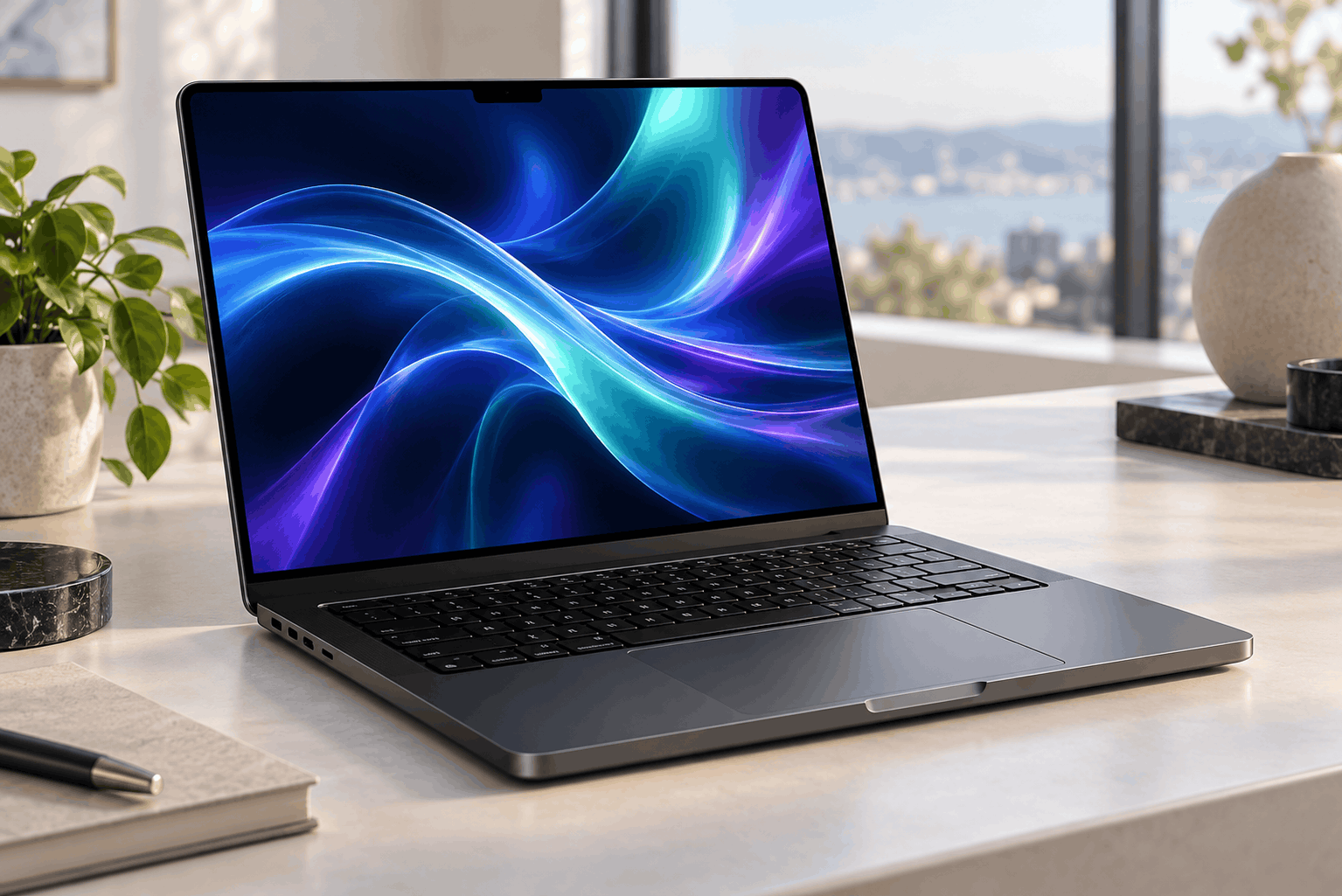
MacBook Pro M6: Speed, AI, Battery Life and New Buying Guide

MacBook Pro M6: Performance, AI Features and Upgrade Guide
The MacBook Pro M6 brings a new performance upgrade to Apple’s 14-inch professional laptop. Announced on October 27, 2026, it combines faster processing, improved on-device AI and updated wireless connectivity. Pre-orders open on October 28, with availability beginning November 6. Apple lists a starting US price of $1,999.
For potential buyers, the main question is how these changes fit everyday work. Faster hardware can help with demanding projects, but its value depends on your software, current computer and budget. This guide explains the main improvements and the practical checks to make before upgrading.
MacBook Pro M6: What the New Chip Offers
Apple’s latest model features a 12-core CPU and a 12-core GPU. The company claims up to 30% faster graphics than M5 in its testing. These figures describe selected workloads, so buyers should avoid treating them as a guaranteed improvement across every application.
A useful starting point is to identify what slows down your current computer. Does exporting a video interrupt your schedule? Do large projects become difficult to navigate? Or does switching between several applications cause delays? These problems give you a clearer basis for judging an upgrade than a headline benchmark.
Next, look for tests using the applications you actually run. A strong graphics result may matter to a designer, while a developer may care more about project build times. For email, browsing and document editing, consider whether your current laptop already completes those tasks comfortably.
MacBook Pro M6: Local AI and Privacy Explained
The chip includes neural accelerators in its GPU and a Dual 16-core Neural Engine. Apple positions this hardware for tasks such as local language models and AI-assisted image processing. However, the benefit depends on whether an application supports the available hardware effectively.
Before buying specifically for AI, choose the tools you want to use. Then check their memory requirements, supported model sizes and macOS compatibility. A demonstration using a small model does not show how a much larger model will perform with your own files and settings.
Local processing also deserves a careful privacy check. Running a model on your laptop can reduce the information sent to external servers, but an application may still use cloud services for certain features. Review its settings and data policy before adding confidential documents. Our on-device AI guide can provide further background.
MacBook Pro M6: Battery Life and Charging
Apple rates the laptop for up to 24 hours of battery life. It also advertises charging to 50% in approximately 30 minutes with a compatible higher-wattage adapter. Both figures depend on specific conditions and should be understood as manufacturer claims.
When comparing battery results, focus on the workload behind the number. A test based on video playback may tell you little about a day spent compiling software or running creative applications. Screen brightness, connected accessories and background activity can also influence how often you need to charge.
Think about your routine as well. Someone moving between classrooms may value long unplugged sessions more than someone working beside a power socket. Check which charger comes with your chosen configuration, and include any additional adapter in your budget. That makes the total cost easier to compare with other laptops.
MacBook Pro M6: Display, Ports and Wireless Connections
The model includes a Liquid Retina XDR display, an optional nano-texture finish, Wi-Fi 7 and Bluetooth 6. Physical connections include three Thunderbolt 4 ports, HDMI, an SDXC card slot, MagSafe 3 and a headphone jack. Apple also lists support for two external displays.
For a desk setup, start by listing everything you connect. Include monitors, external storage, audio equipment and memory cards. Then check the exact cables, adapters and display settings required. Having several ports is useful, but compatibility with your existing equipment is what determines whether the setup works smoothly.
Wireless upgrades deserve the same practical approach. Check your router and network before expecting a noticeable improvement from a new wireless standard. Likewise, compare the standard and nano-texture displays in person if possible. Your usual lighting conditions and preference for screen appearance should guide that choice.
MacBook Pro M6: Choosing Memory and Storage
Apple provides 16GB of unified memory as standard, with configurations up to 32GB. Buyers should compare these options against the requirements of their applications and projects. Choosing a configuration starts with understanding the work the laptop needs to handle.
Open a typical project on your current computer and review its resource use. Consider the applications you keep open together, the size of your files and whether your workload is growing. This gives you a more useful estimate than buying extra capacity simply because it is available.
For storage, separate active projects from archives and backups. Estimate the space needed for applications, current work and a comfortable amount of free capacity. Then price the complete setup, including external drives and backup storage. Our laptop buying guide can help you organise that comparison before placing an order.
MacBook Pro M6: Should You Upgrade?
The strongest reason to upgrade is a clear limitation in your current setup. If a slow export regularly delays delivery, or your laptop struggles with required software, better hardware may solve a real problem. Write down those limitations before comparing models so your decision stays focused on useful improvements.
Owners of a recent laptop should assess the likely benefit particularly carefully. Compare performance in relevant applications, the cost after any trade-in and the time a faster machine might save. Students and business buyers should also check software requirements, warranty coverage and any education or organisational purchasing options.
Before ordering, review the official Apple announcement and the configuration offered in your market. Confirm the memory, storage, charger and delivery date shown at checkout. Choose the model that addresses your current workload and gives you suitable room for the projects you expect to take on.
