
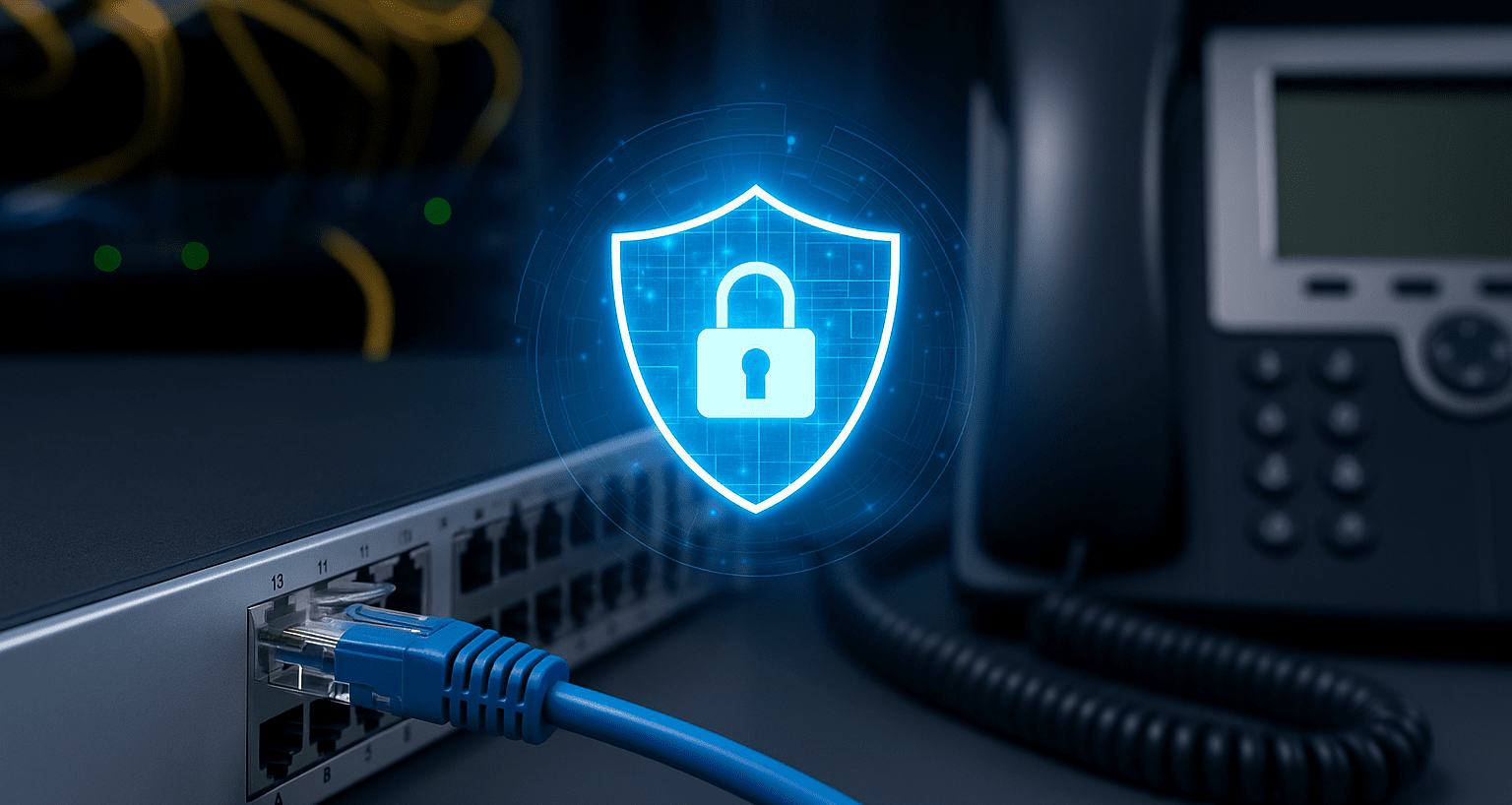
Securing VoIP Networks Against Modern Cyber Threats

Most businesses rely on VoIP today, but securing VoIP networks is still something many IT teams underestimate. Leaving voice traffic exposed opens the door to silent listeners, network takedowns, and costly fraud. This article reveals the biggest threats and the exact steps you can take right now to strengthen your phone system before attackers get to it.
One overlooked breach can expose customer conversations, leak internal meetings, or generate thousands in fraudulent international calls while you sleep.
Why Securing VoIP Networks Is Different from Traditional IT Security
When securing VoIP networks, you’re defending traffic that behaves differently than regular data. Voice packets require real time delivery, meaning any jitter or delay kills call quality. Many legacy VoIP systems were designed before encryption and strong authentication became standard. Add in phones connecting through office Wi-Fi, home networks, and personal devices, and the attack surface becomes huge.
This combination creates vulnerabilities most IT pros don’t initially expect.
Common Threats When Securing VoIP Networks Isn’t Done Right
Real-world attacks consistently follow familiar patterns. Here are the ones businesses encounter most often.
1. Eavesdropping (silent packet capture)
Attackers gather unencrypted SIP or RTP traffic and listen to full conversations—sales demos, legal calls, HR discussions—without leaving any visible trace.
2. Man-in-the-Middle (MITM)
Positioning themselves between phones and servers, attackers intercept, modify, or redirect calls unnoticed.
3. DoS and DDoS Attacks
Flooding the VoIP server with junk traffic stops calls from connecting, effectively taking down your phone system.
4. Toll Fraud
Hackers register unauthorized devices to your PBX and make expensive international calls on your account—sometimes racking up $50,000+ in days.
5. Vishing and Caller-ID Spoofing
Criminals impersonate your business number to extract credentials, payments, or internal access from employees or customers.
Core Principles for Securing VoIP Networks the Right Way
You don’t need deep cryptography knowledge to improve security dramatically. Start with these foundational practices.
Use Encryption Everywhere
-
Enable SRTP for encrypting audio streams
-
Use TLS (preferably TLS 1.3) for SIP signaling
-
Disable unencrypted SIP, RTP, and HTTP completely
If your provider still doesn’t support encrypted options in 2025, it’s time to migrate.
Segment with a Voice VLAN
Phones should sit on a dedicated voice VLAN, isolated from laptops and IoT devices. This blocks compromised endpoints from sniffing or injecting voice traffic.
Strengthen Authentication & Device Access
-
Enforce strong passwords or certificates on all phones
-
Disable auto-registration on the PBX
-
Use 802.1X to authenticate devices before they join the voice network
These small steps stop unauthorized phones from ever coming online.
Step by Step Checklist for Securing VoIP Networks
Below is the checklist I use with every client before optimizing or deploying a VoIP system:
-
Remove all factory-default passwords
-
Enable SRTP + TLS and disable weak ciphers
-
Build a dedicated voice VLAN with strict ACLs
-
Disable SIP ALG on the firewall
-
Add fail2ban or similar for brute-force protection
-
Turn on automatic PBX updates (3CX, Asterisk, FreePBX, etc.)
-
Review call detail records for unusual patterns
-
Run VoIP-specific vulnerability scans (Sipvicious NG, VoIP Scanner)
Following this reduces the majority of real-world risk immediately.
Tools That Help With Securing VoIP Networks
Whether you’re a small business or an enterprise, there are solutions at every price point.
-
Built-in PBX security: Modern systems (3CX, Microsoft Teams Phone, RingCentral) include strong encryption and IP blacklisting.
-
Session Border Controllers (SBCs): Ribbon, AudioCodes, and AWS/Twilio cloud SBCs hide your PBX from attackers while enforcing encryption policies.
-
VoIP-aware firewalls: Palo Alto, Fortinet, and Check Point can inspect SIP and block malicious patterns in real time.
-
Monitoring tools: HOMER, VoIPmonitor, and ELK stacks help visualize anomalies and track suspicious call behavior.
For a deeper dive into SBC selection, you can review this video
Securing VoIP Networks in Remote & Hybrid Workflows
Hybrid work created new VoIP security headaches. Public Wi-Fi rarely secures VoIP adequately, and home routers often expose unnecessary ports through UPnP.
Better approaches include:
-
Require VPN-first connections for remote users
-
Deploy softphones that enforce SRTP/TLS (Zoiper 5, Linphone, MicroSIP)
-
Use cloud PBXs with built-in SBCs so your infrastructure stays hidden
Remote environments demand more attention, but with the right tools, they can be locked down effectively.
Routine Testing & Monitoring for Securing VoIP Networks
Security doesn’t end with initial setup. Quarterly checks prevent silent failures from becoming breaches.
Every three months:
-
Run VoIP-specific penetration tests
-
Review firewall and SBC logs for blocked attempts
-
Confirm all devices use strong ciphers
-
Verify old or “temporary” phones haven’t been added insecurely
Many breaches happen because of a single overlooked device.
Conclusion: Start Securing VoIP Networks Before Attackers Find You
Attackers view VoIP systems as easy targets, but the right mix of encryption, segmentation, authentication, and monitoring stops nearly all common threats. Taking even an hour to review your setup can prevent eavesdropping, fraud, and outages down the road.
The peace of mind that comes from securing VoIP networks properly is worth every minute of effort.
What’s the first improvement you’ll make? Drop it in the comments I read every one.
FAQ About Securing VoIP Networks
Q: Is VoIP traffic encrypted by default?
No, many systems still send calls in clear text. Always confirm TLS and SRTP are active.
Q: Can attackers eavesdrop on Teams or Zoom?
It’s unlikely, both enforce encryption by default. The real risk is exposed recordings.
Q: Do I need an SBC with cloud VoIP?
Most cloud providers include SBC-level functions, but adding your own offers more control and better latency handling.
Q: How can I tell if someone is listening?
Watch for random call drops, unexplained noise, or unusual international charges. Packet captures with Wireshark can reveal unencrypted RTP traffic.
Q: Is public Wi-Fi safe for VoIP?
Only when tunneled through a VPN. Otherwise assume everything can be intercepted.
Author Profile

- Hey there! I am a Media and Public Relations Strategist at NeticSpace | passionate journalist, blogger, and SEO expert.
Latest entries
 AI WorkflowsJune 6, 2026Microsoft Scout Agent Transforms Productivity Across M365
 Design and SimulationApril 30, 2026Instagram Content Aggregators Rules for Reach 2026
 AI WorkflowsApril 29, 2026Agentic AI Model: GPT-5.5’s Biggest Leap Yet Explained
 Robotics SimulationApril 17, 2026Robot Brain Technology Transforms Modern Robotics Systems
